
DM AUTOMATION FOR CREATORS
Turn Instagram comments into website traffic. Automatically.
Someone comments RECIPE, LINK, GUIDE or any keyword you choose.
Auto DM Studio instantly sends them the right link, download or message through Instagram DM, while you keep creating.
Unlimited contacts. Unlimited simple automations. Free.
Built right inside WordPress.
No signup or credit card required
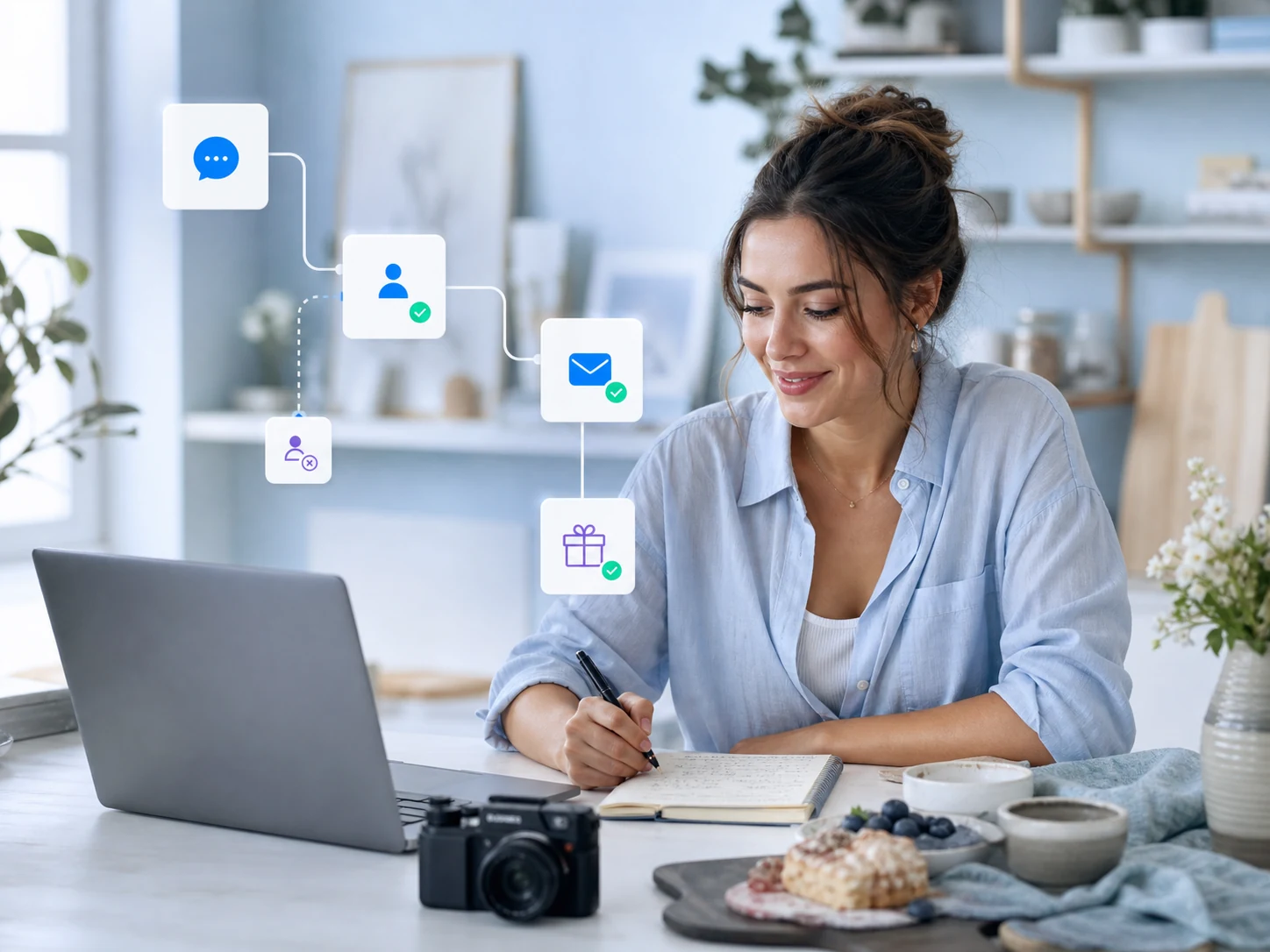
Grow your audience
Use follower and newsletter gates to turn useful resources into a clearer reason to follow or subscribe.
Deliver more value
Send guides, downloads, carousels and focused links when someone comments or starts a DM.
Keep WordPress connected
Move subscriber details, contest entries and campaign responses into the tools behind your site.
GROW AND DELIVER
Make every interaction lead somewhere useful
Start with the outcome your audience wants, then use the right trigger, message and follow-up to deliver it automatically.
Collect newsletter subscribers
Capture an email address inside the DM, then route the subscriber through WordPress to Mailchimp, MailerLite, Omnisend, MailPoet, The Newsletter Plugin or FluentCRM for more relevant follow-up.
Encourage more people to follow
Use Follow Gate to check follower status before continuing to a requested resource. New visitors receive a clear invitation to follow, while existing followers move ahead without an unnecessary prompt.
Promote digital downloads
Automatically deliver the guide, template, pattern or workbook someone requested. Send a PDF in the conversation or use a button to connect them to the relevant WordPress download page.

STUDIO PLAN: FREE 14-DAY TRIAL
Build your first scripted campaign with Studio
For Advanced Users you can build advanced scripted flows with A/B Testing, IF-Then-Else logic, or sub flows. Allowing you to really enhance and test out the best sales flow.
EXPLORE AND CONVERT
Give people a clearer next step
Richer messages and interactive inputs help followers find the content, offer or campaign that fits what they asked for.
Highlight content with image carousels
Present related posts, products, portfolio pieces or resources in one swipeable message. Pair the visuals with focused text and buttons so people can choose what they want to explore next.
Create a clearer path to affiliate links
Replace a vague link-in-bio step with a direct DM that matches the request. Use focused buttons or carousels, then add Studio A/B testing when you want to compare calls to action or destination pages.
Run contests inside DMs
Use Multiple Choice and Text Input to collect entries inside Instagram or Facebook conversations. Save responses to Google Sheets for review, with Studio logic available for more advanced routing.

Built for the way creators work
WHO IT IS FOR
Use the same WordPress-first automation foundation for the content, resources and offers that make sense for your audience.

Food bloggers
Send recipes, meal plans, shopping lists or printable guides, then invite readers to join your email list.
Fashion creators
Turn outfit posts into swipeable lookbooks with buttons to the exact product, collection or affiliate page.
Beauty creators
Guide followers through routines and product choices using carousels, buttons and Multiple Choice questions.
Travel creators
Deliver destination guides, packing lists or itineraries by DM and capture subscribers for future content.
Craft and DIY creators
Automatically send patterns, supply lists and printable instructions when a project sparks interest.
Artists and designers
Present portfolio highlights, guide commission enquiries and deliver requested digital assets.
Educators
Share worksheets, mini lessons and resource packs, then let followers choose the topic that fits.
Finance creators
Deliver budgeting templates, checklists and educational resources. Grow your newsletter subscribers while segmenting interests.
Health and fitness creators
Send workout plans, meal plans or challenge details and collect goals for more relevant follow-up.
CREATOR PLAN
Automate the campaigns you run every week
Creator gives you multi-step flows, user input, persistent menus, ice breakers and extended analytics, without Auto DM Studio branding on your messages.
FIND YOUR FIT
Choose the plan that matches your workflow
Compare Creator with Studio’s A/B testing, branching logic, subflows and advanced analytics, or explore Business for a more customized setup.