
WORDPRESS-FIRST DM AUTOMATION FOR BUSINESS
Turn social conversations into qualified leads
Automate Instagram and Facebook DMs from WordPress. Capture contact details, grow your email list, guide people to the right offer and move useful data into the tools your team already uses.

Capture more useful leads
Collect contact details and focused answers before your team spends time following up.
Respond consistently
Use menus, ice breakers and configured flows to make common questions easier to answer.
Connect your systems
Send subscriber, CRM, survey and campaign data through the WordPress tools your business already uses.
CAPTURE AND QUALIFY
Turn interest into a useful next step
Use structured questions, gates and integrations to make social engagement more actionable for your team.
Grow your email list from DMs
Invite people to subscribe without sending them to a separate form. Capture their email in the conversation, then place them in a supported audience, list or group for more relevant follow-up.
Support follower growth
Give people a useful reason to follow through a resource, offer or campaign. A follower-gated flow can check status and send each person down the appropriate path.
Qualify leads before follow-up
Ask focused Multiple Choice questions, collect an email or phone number and use Studio If/Then/Else logic to route by intent. Send useful context to FluentCRM or Google Sheets.

FREE 14-DAY TRIAL
Build your first advanced flow before choosing a plan
Try Studio for 14 days to test lead capture, conditional logic, integrations and richer DM journeys from WordPress.
SERVE AND LEARN
Automate the repeatable parts of the conversation
Give customers clear options, deliver the right resource and collect the feedback that helps your business improve.
Deliver offers and coupon codes
Deliver a native coupon in Facebook conversations, or use clear buttons and links to guide Instagram contacts to the relevant offer, product or landing page.
Make common questions easier to answer
Use Ice Breakers to open the right configured flow, while a Persistent Menu keeps services, resources, support and other common actions one tap away.
Collect product and customer feedback
Run short surveys using Multiple Choice and open-text inputs. Save responses to Google Sheets for analysis and follow-up, with conditional logic for different next steps.
WHO IT IS FOR
Flexible enough for different business models
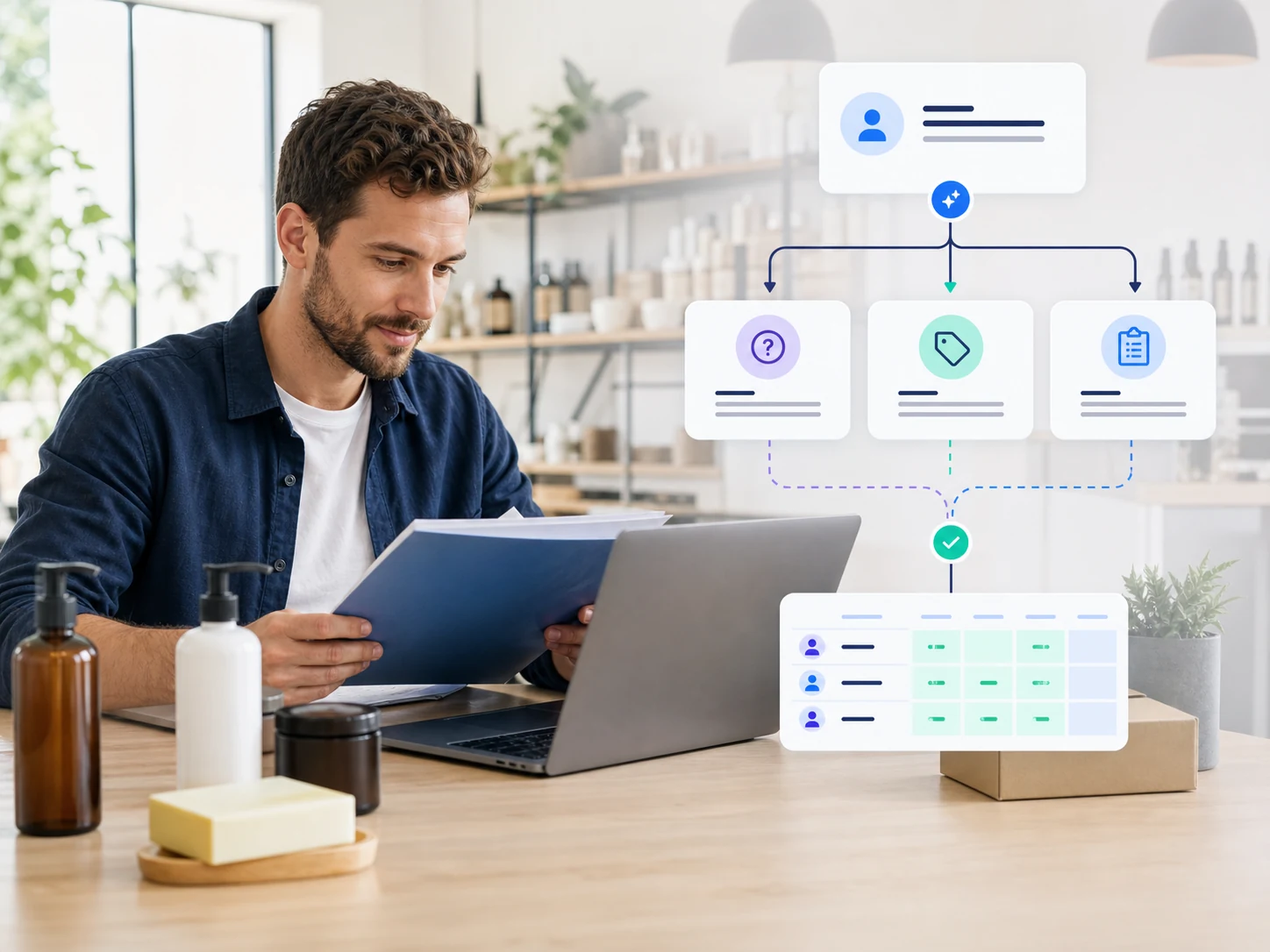
Use Auto DM Studio to connect social engagement to the pages, people and follow-up systems behind your WordPress business.

Service-based businesses
Qualify the enquiry, collect preferred contact details and route high-intent prospects to a consultation or service page.
Realtors
Ask about property type, timeline and preferred follow-up, then share the most relevant listing or resource.
Event venues
Collect event type, proposed date, guest count and contact details, then deliver a brochure or next-step link.
Photographers
Let people choose a session type, share the date they have in mind and explore portfolio highlights.
Coaches and experts
Segment people by goal, deliver the right guide or mini lesson and invite qualified prospects to continue.
Clinics
Answer general service questions and collect callback requests without asking for sensitive health details in social DMs.
eCommerce businesses
Show product collections with carousels, send offer links and use Facebook coupons to turn interest into a store visit.
Brands
Test campaign messages, route audiences by interest and connect social engagement to email or CRM follow-up.
Non-profits
Share campaign information, collect newsletter or volunteer interest and organize responses in Google Sheets.
BUSINESS WORKFLOWS
Need a setup shaped around your business?
Tell us how leads enter, which tools your team uses and what should happen after each DM. We can discuss the Business plan and scope the flow, integration or customization your workflow requires.
COMPARE YOUR OPTIONS
See what each plan includes
Compare Free, Creator, Studio and Business to choose the level of automation and support that fits your team.