Send the right message in the format that fits
Move conversations forward with text, buttons, image carousels, video, PDFs, audio and Facebook coupons—built into your automated DM flows.
Availability varies by plan and channel
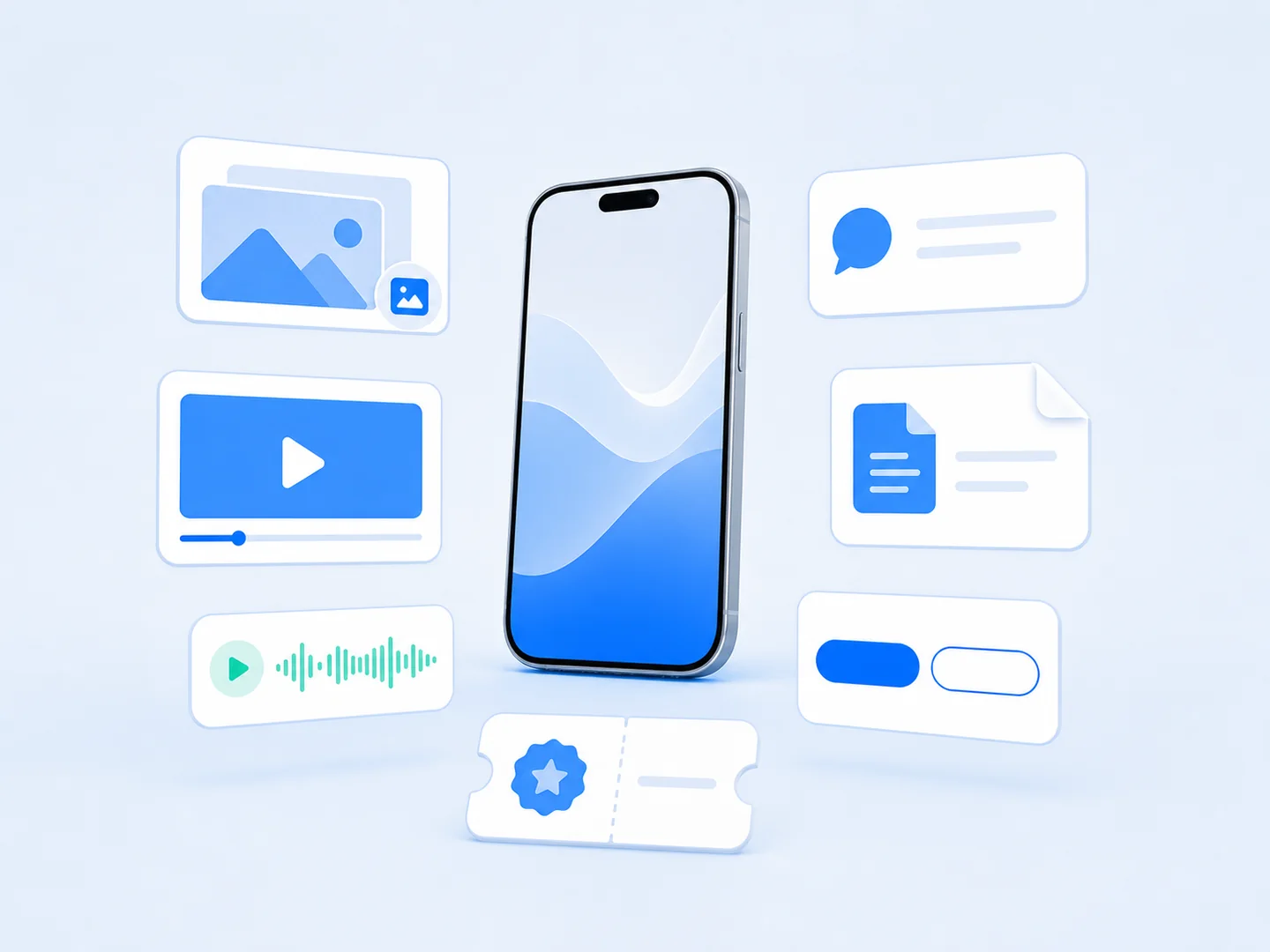
Show what words cannot
Bring products, tutorials and ideas into the conversation.
Make the next step clear
Use buttons and focused messages to guide action.
Deliver value directly
Share useful files, audio and offers in the DM journey.
Show more without sending more messages
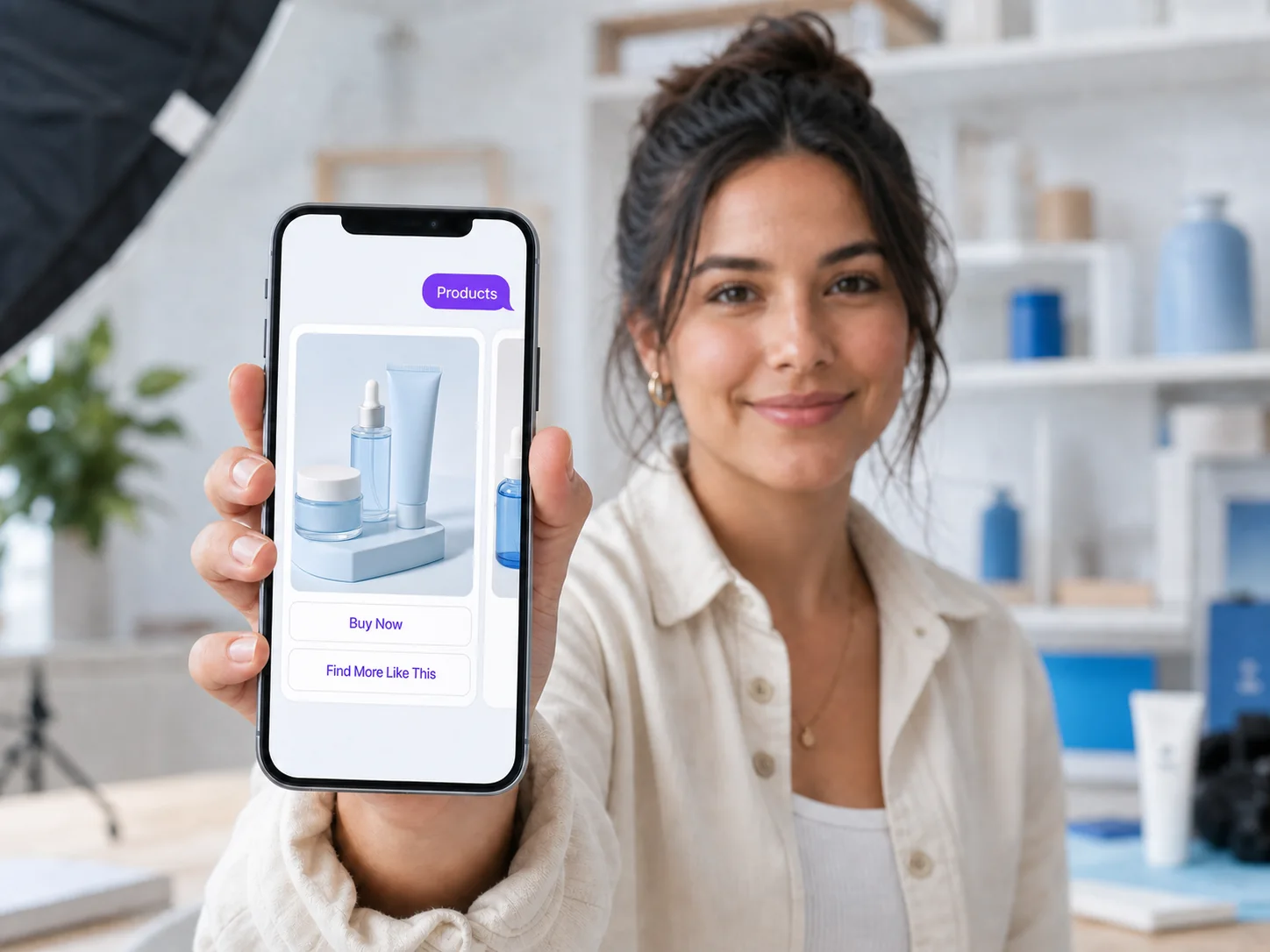
Present several images in one swipeable message so people can explore choices without losing the conversation.
Use it for: Product collections, service packages, portfolio highlights and event options.
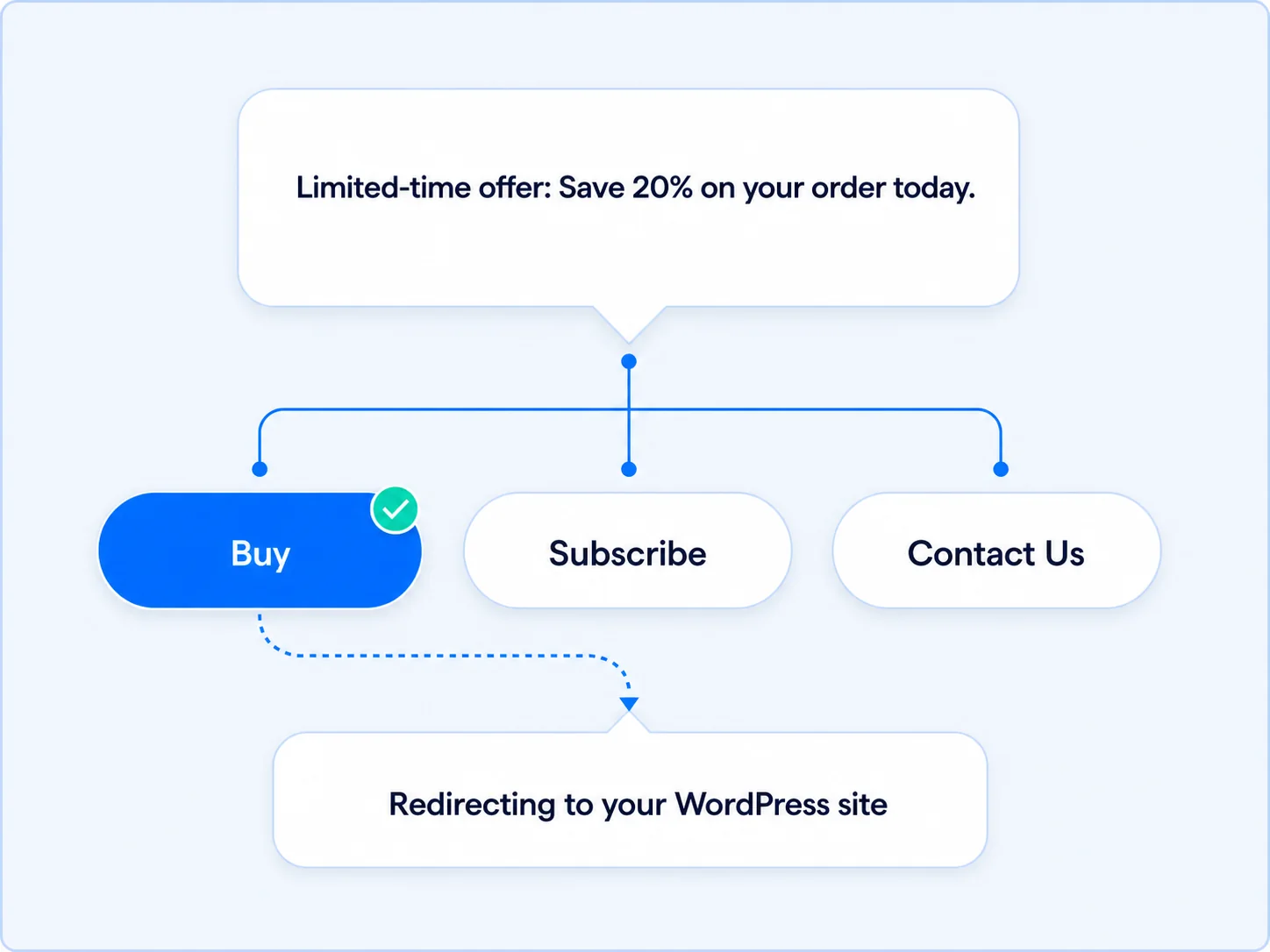
Make the next step easy to choose
Add clear, tappable actions so people know exactly what they can do next. Focused options reduce typing and keep the flow moving.
Use it for: Exploring an offer, choosing a topic, viewing a resource or continuing a flow.
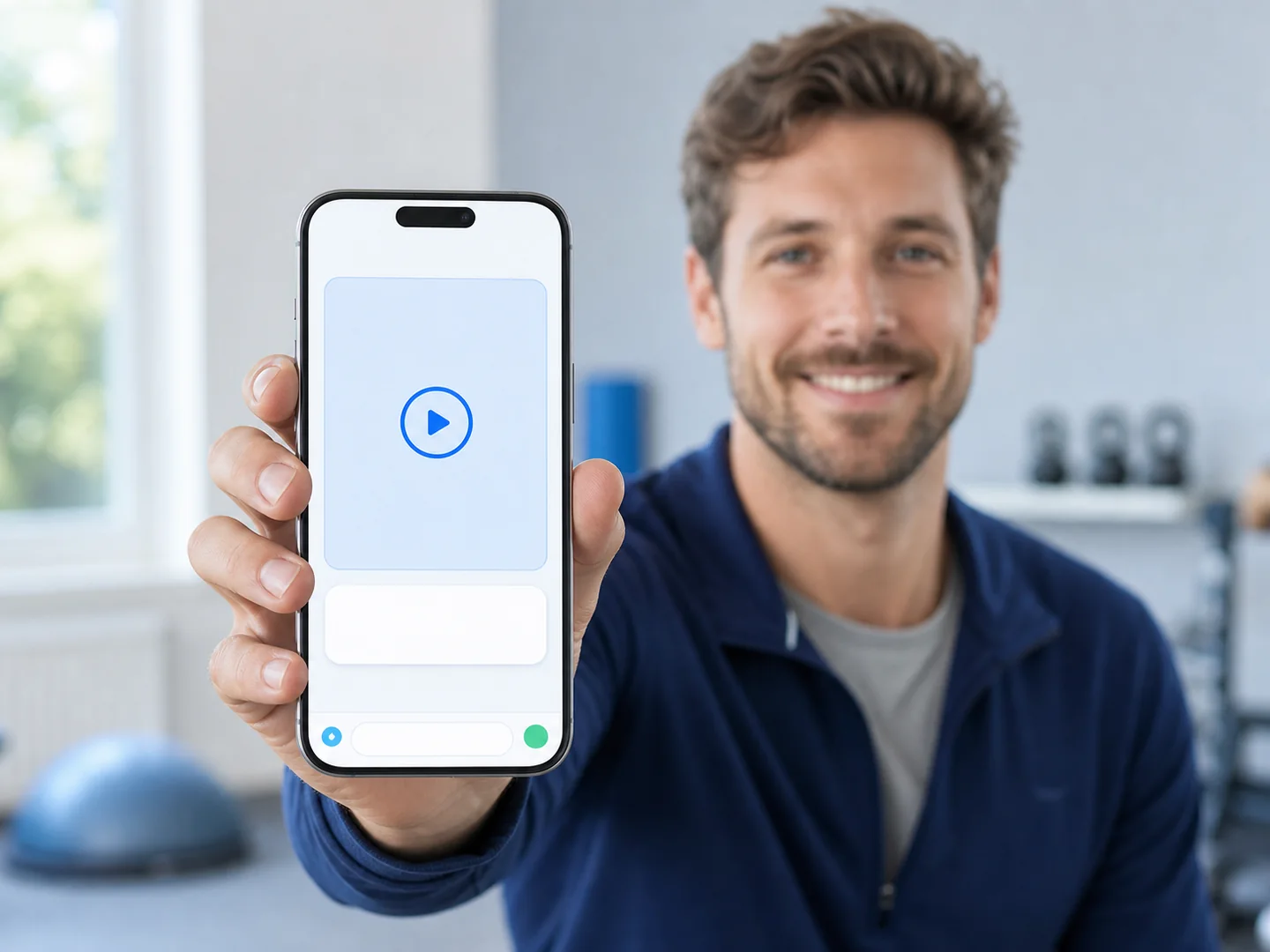
Let people see the value in motion
Bring a demonstration, tutorial or customer story into the conversation when motion explains the idea more clearly than text.
Use it for: Product demonstrations, tutorials, welcome videos and event previews.
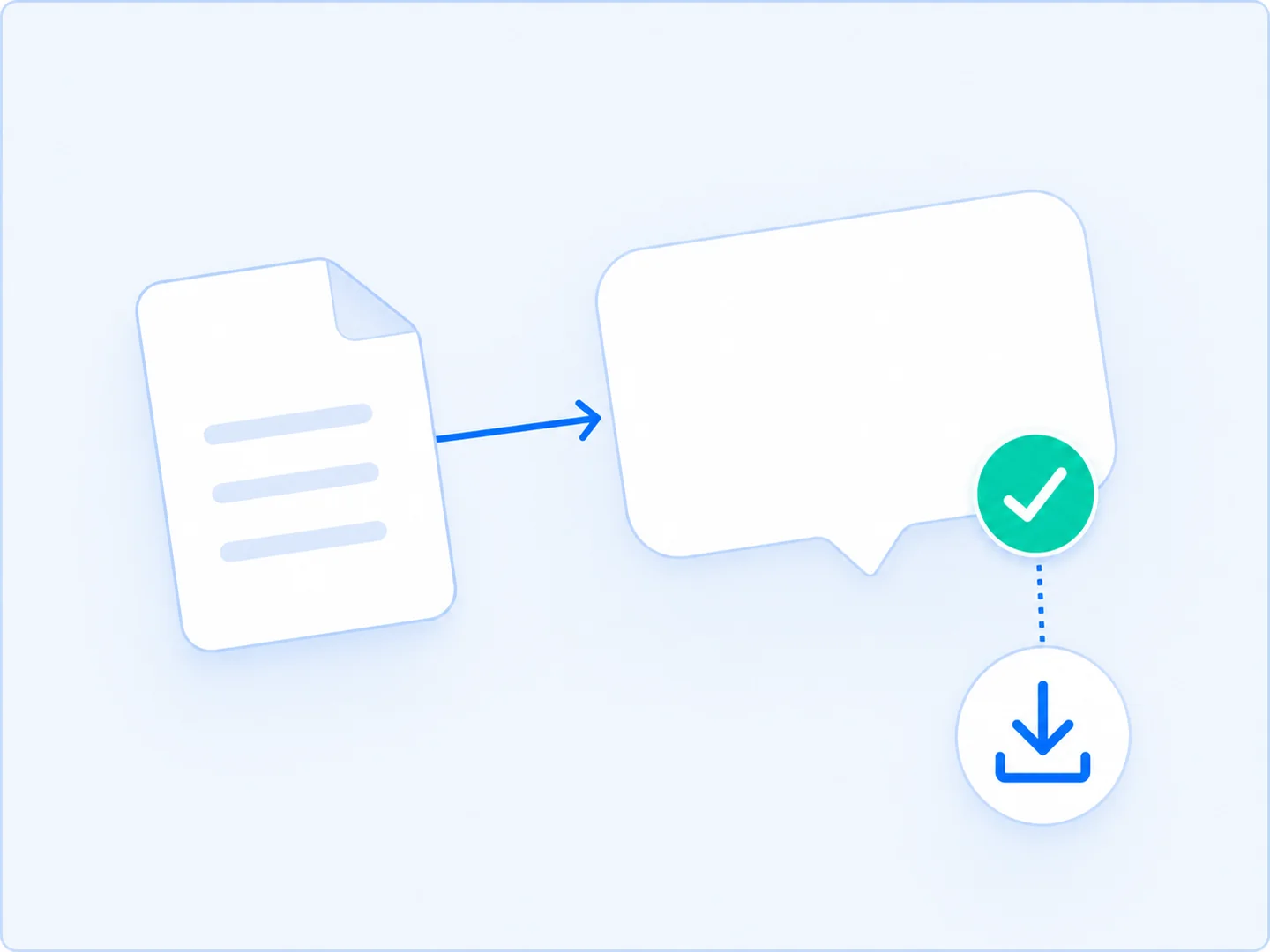
Deliver a useful resource in the conversation
Send something people can keep, read or reference later. A PDF is a practical way to deliver a lead magnet as soon as someone asks.
Use it for: Guides, checklists, menus, workbooks, price lists and event information.
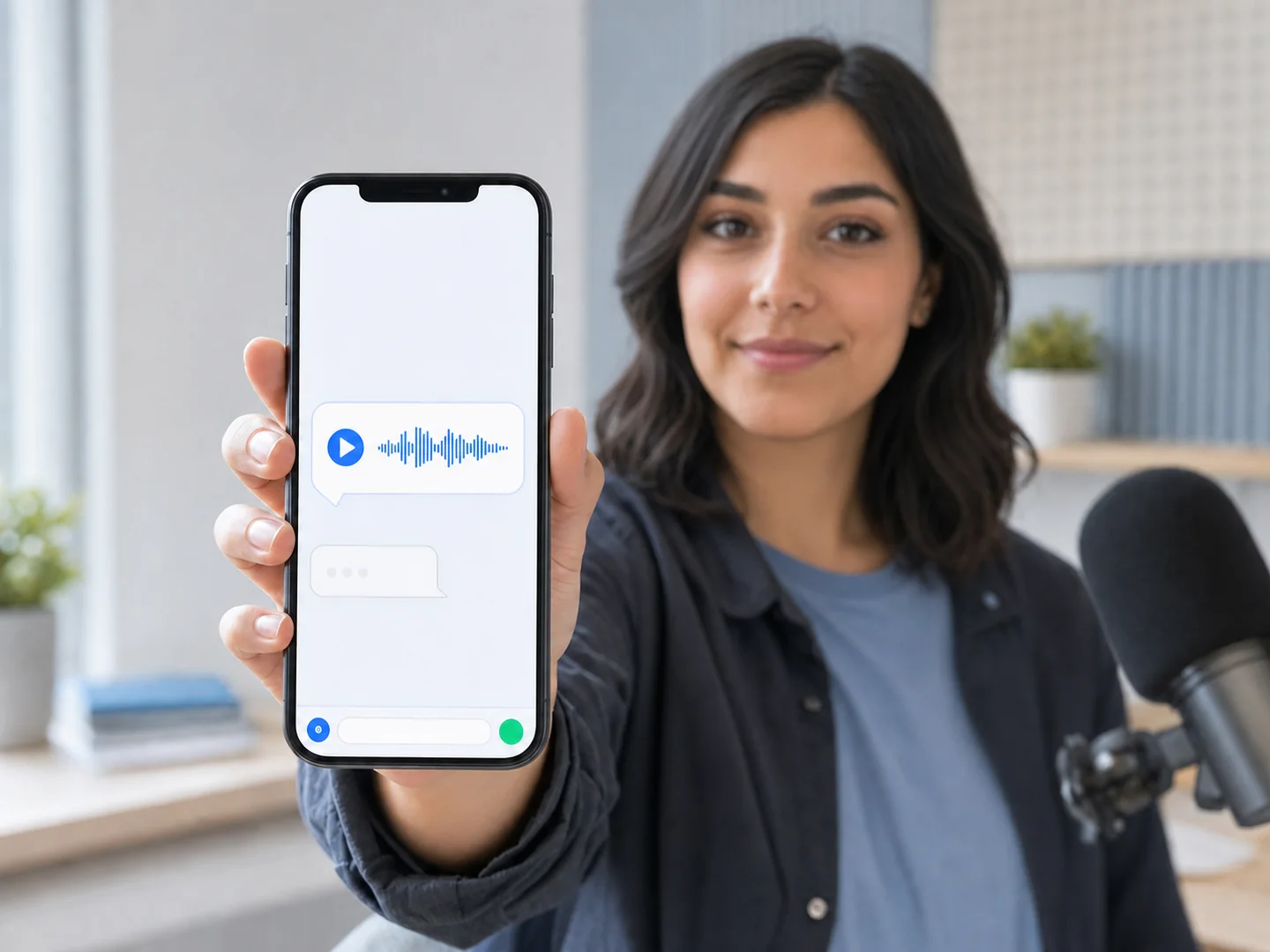
Add a more personal voice
Use audio when tone, warmth or explanation matters. A short spoken message can feel personal while still being delivered consistently.
Use it for: Welcome notes, mini lessons, guided exercises and coaching prompts.
Keep essential messages clear
Use concise text to welcome someone, explain the next step, confirm an action or connect the richer parts of a flow.
Use it for: Welcome messages, instructions, confirmations, reminders and focused calls to action.
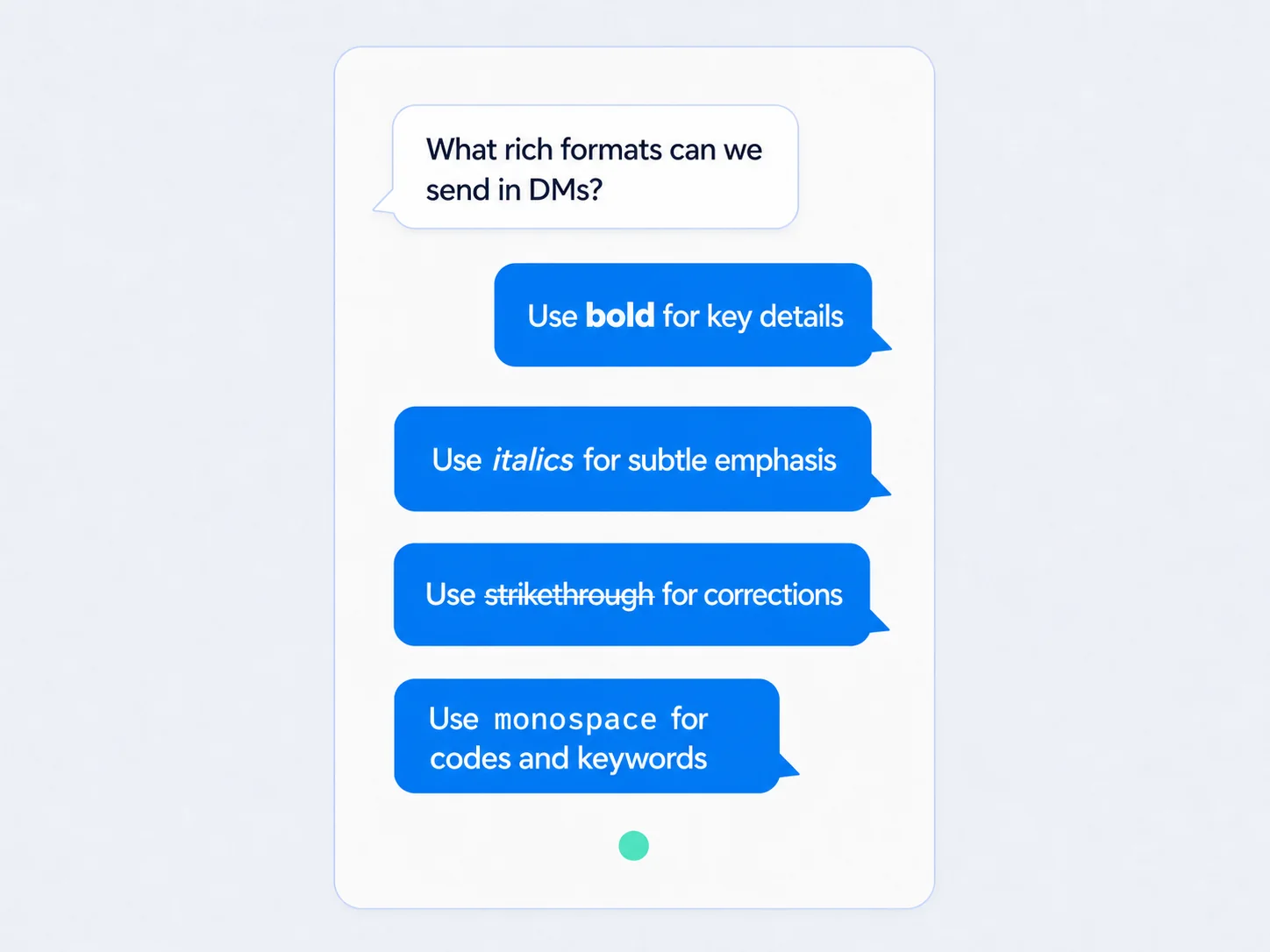
Turn interest into an offer people can use
Deliver a coupon inside a Facebook conversation when someone is ready for the next step, keeping the promotion easy to find and act on.
Use it for: Welcome offers, limited promotions, loyalty rewards and engagement incentives.
Use several formats to support one clear goal
A launch can move from curiosity to action without forcing every idea into a text bubble.
Welcome
Set the context with one short text message.
Show
Use a carousel or video to make the options tangible.
Guide
Add buttons so the next action is easy to choose.
Deliver
Share a PDF, audio message or Facebook coupon when it fits.
Frequently asked questions
Are all message types included with every plan?
Availability varies by plan. Use the current comparison to confirm which formats are included with the plan you are considering.
Are all message types available on Instagram and Facebook?
Support can vary by connected channel. Coupon messages are available on Facebook only.
Can I combine different message types in one flow?
Yes. Use the format that best supports each step, subject to your plan and connected channel.
When should I use a carousel instead of video?
Use a carousel for comparing several visual options at someone’s own pace. Use video when motion, demonstration or spoken explanation adds clarity.
Can I send a PDF lead magnet?
Yes. PDFs work well for guides, checklists, workbooks and other requested resources.
Explore related features
Build conversations people want to continue
Choose the message format that makes each next step clearer—then automate the journey from WordPress.