
Build smarter DM journeys with logic and A/B testing
Test what works, personalize each path and deliver every message at the right moment—all from your WordPress dashboard.
Advanced logic is available primarily with Studio & Business
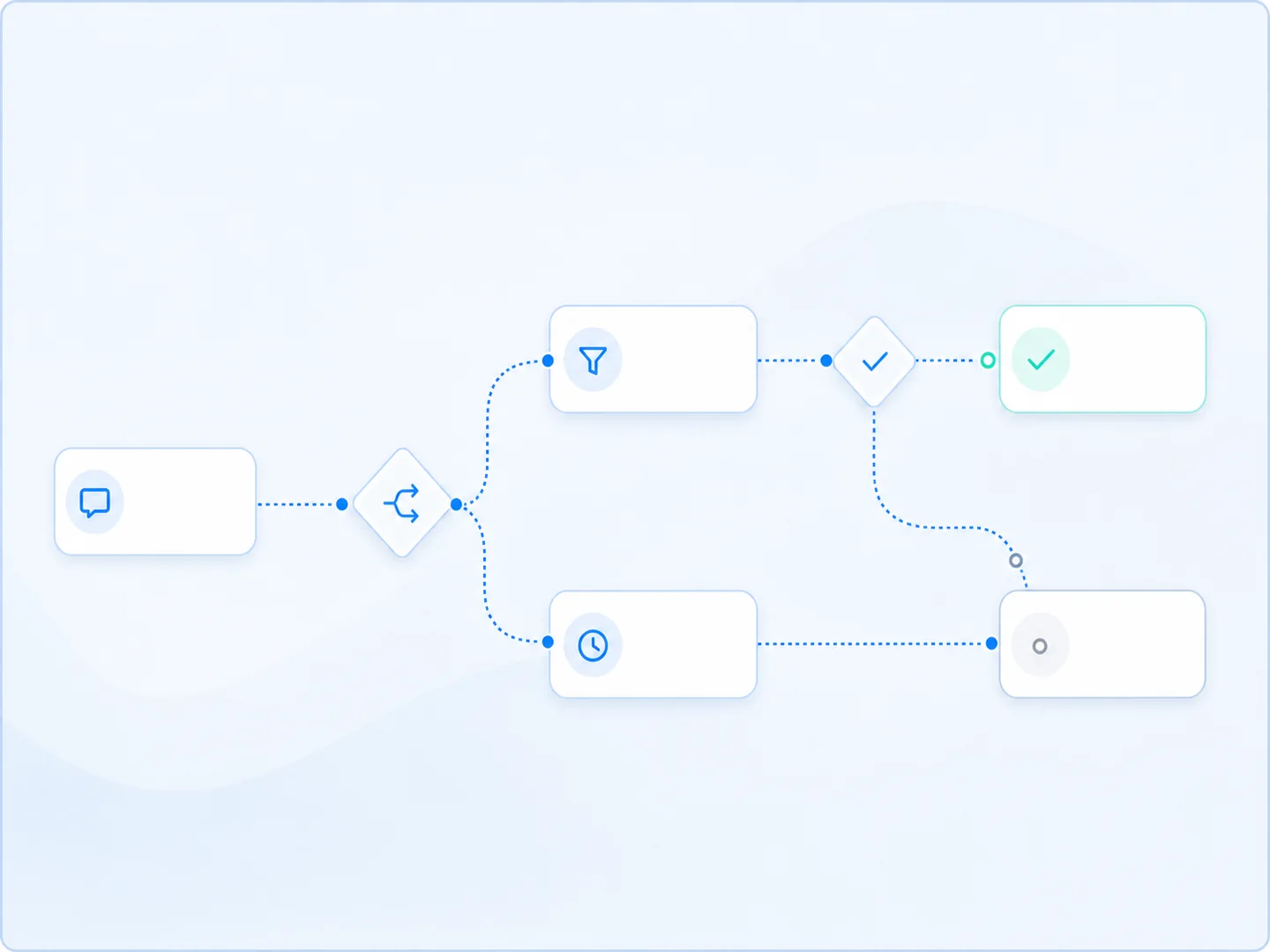
Test with purpose
Compare message approaches before you scale them.
Personalize every path
Use conditions to send a more relevant next message.
Pace the conversation
Add intentional space between reminders, education and offers.
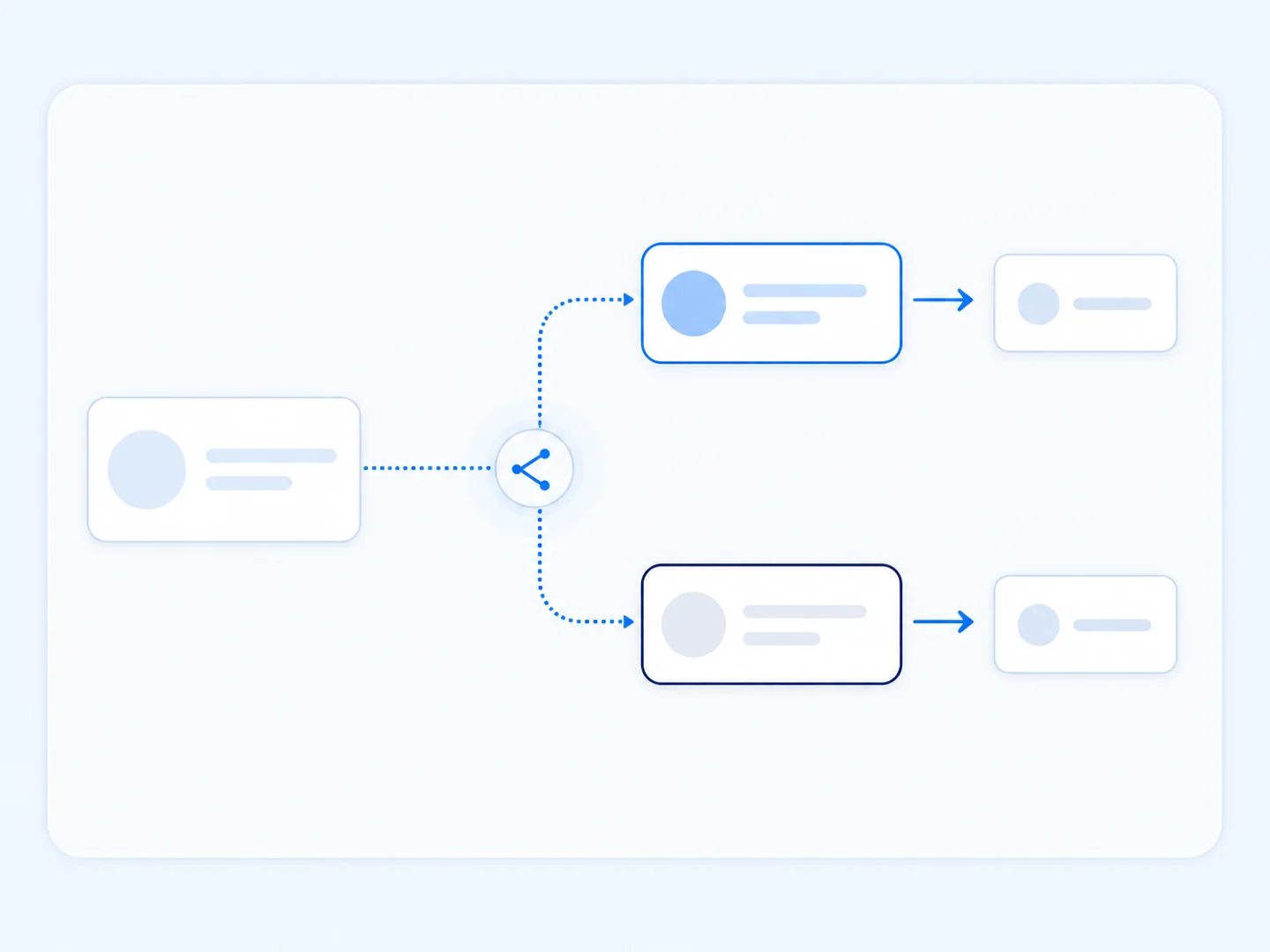
Test messages before you scale them
Compare two message variations inside the same automation. Use what you learn to strengthen your hook, offer or call to action instead of relying on guesswork.
Use it for: Opening messages, lead-magnet positioning, calls to action and promotional offers.

Let each response shape the next step
Add a decision to your flow and guide people down the path that fits. Interested prospects can move toward an offer while others receive more context first.
Use it for: Routing by a response, captured detail or another supported condition.
Respond differently when someone follows you
Check follower status before choosing the next message. Welcome new people appropriately while giving existing followers a path that recognizes the relationship.
Use it for: Follower-specific resources, welcomes and calls to action.
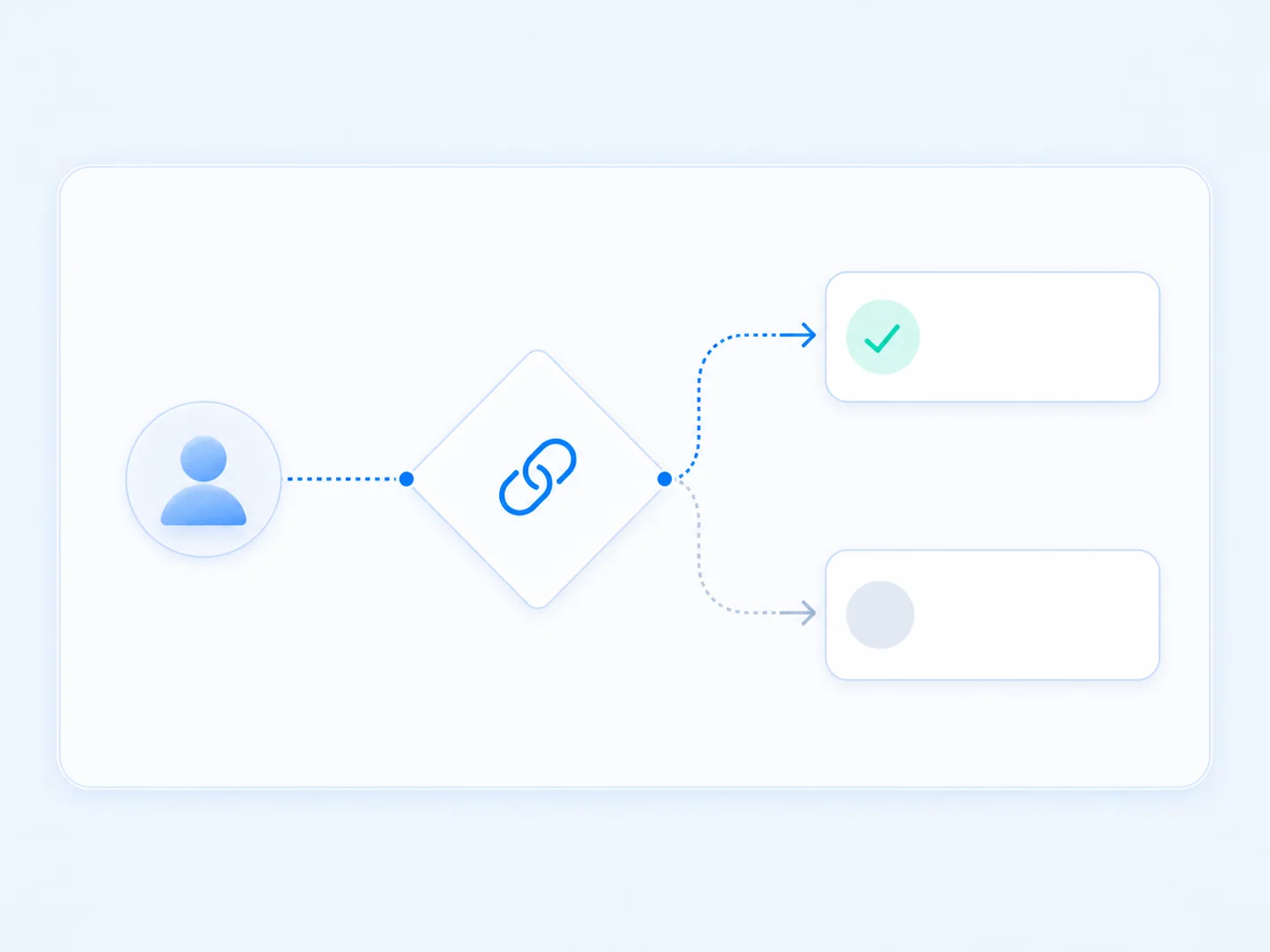

Recognize people already on your list
Check subscriber status before asking for another opt-in. Existing subscribers can move ahead while new leads receive the invitation that applies to them.
Use it for: Avoiding duplicate opt-ins, tailoring offers and recognizing existing subscribers.
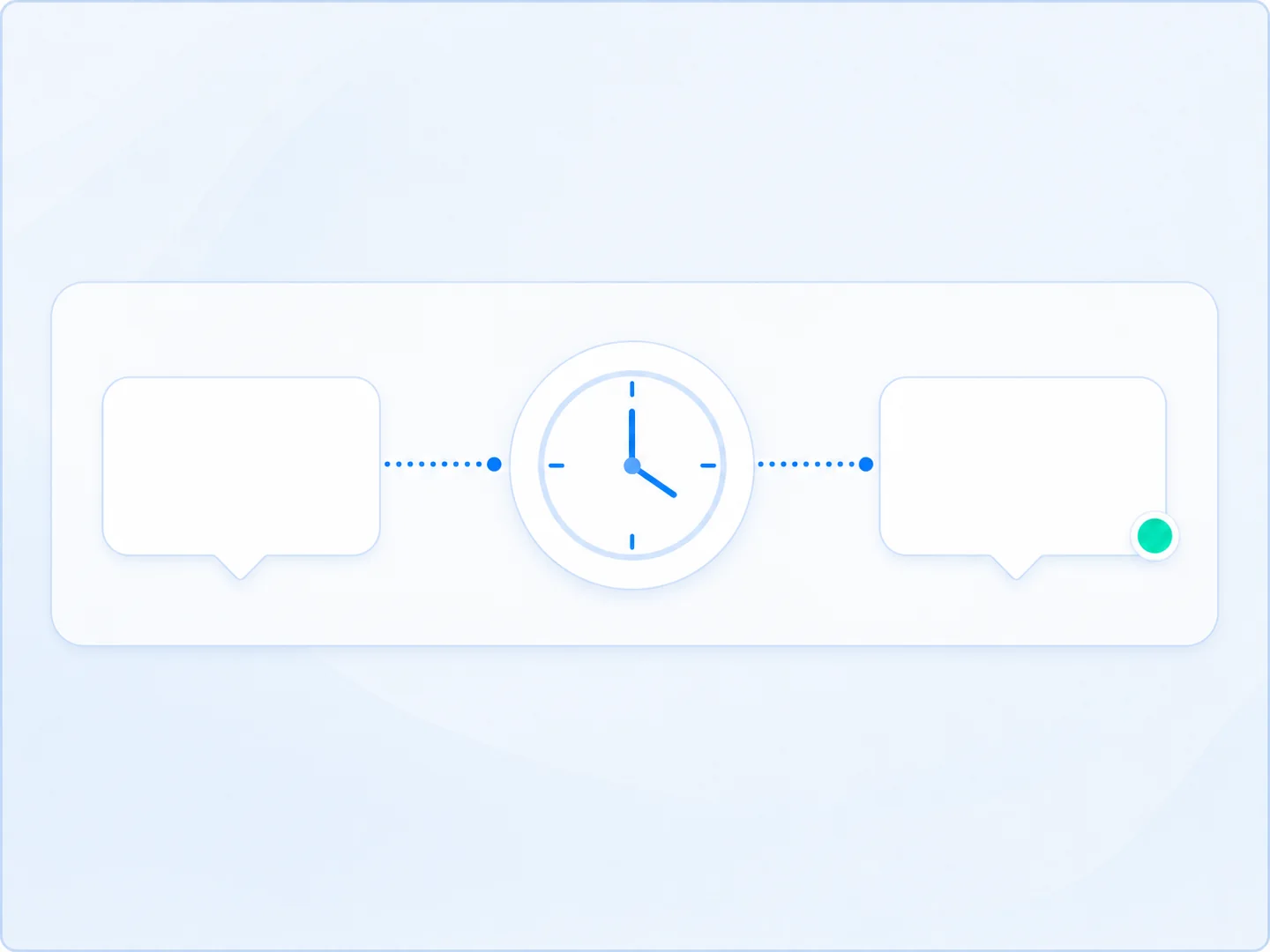
Give each message the right amount of space
Add a deliberate pause before the next action so follow-ups feel paced and arrive when they make sense.
Use it for: Reminders, mini-series content and better-paced promotional sequences.
Turn one campaign into a more relevant conversation
Everyone can enter through the same social post, while logic adapts what happens next.
Test
Compare two opening messages to learn which positioning works best.
Check
Use follower or subscriber status to recognize what is already true.
Route
Send each person down the path that matches the condition.
Pace
Add a delay before the next reminder or offer.
Frequently asked questions
Which plans include advanced flow logic?
Studio is the primary plan for the advanced logic tools on this page. Business includes all Studio features. Confirm availability by individual feature in the current comparison.
What can I A/B test?
Compare message approaches or flow paths, such as an opening message, offer angle or call to action.
What is an If/Then/Else branch?
It is a decision point. When the chosen condition is met, the person continues down one path; otherwise they follow the alternate path.
Do follower and subscriber conditions change someone’s status?
No. These conditions check status so the flow can choose a relevant path.
Why add a delay?
A delay creates space between messages so education, reminders and offers do not all arrive at once.
Turn one automation into a more relevant journey
Use Studio to test, branch and pace your DM flows. Business includes the complete Studio toolkit.