
Turn DM replies into useful lead data
Ask clear questions and capture structured answers inside the conversation—from a quick button tap to an email, phone number, number or open-text response.
Included with Creator, Studio & Business Plans
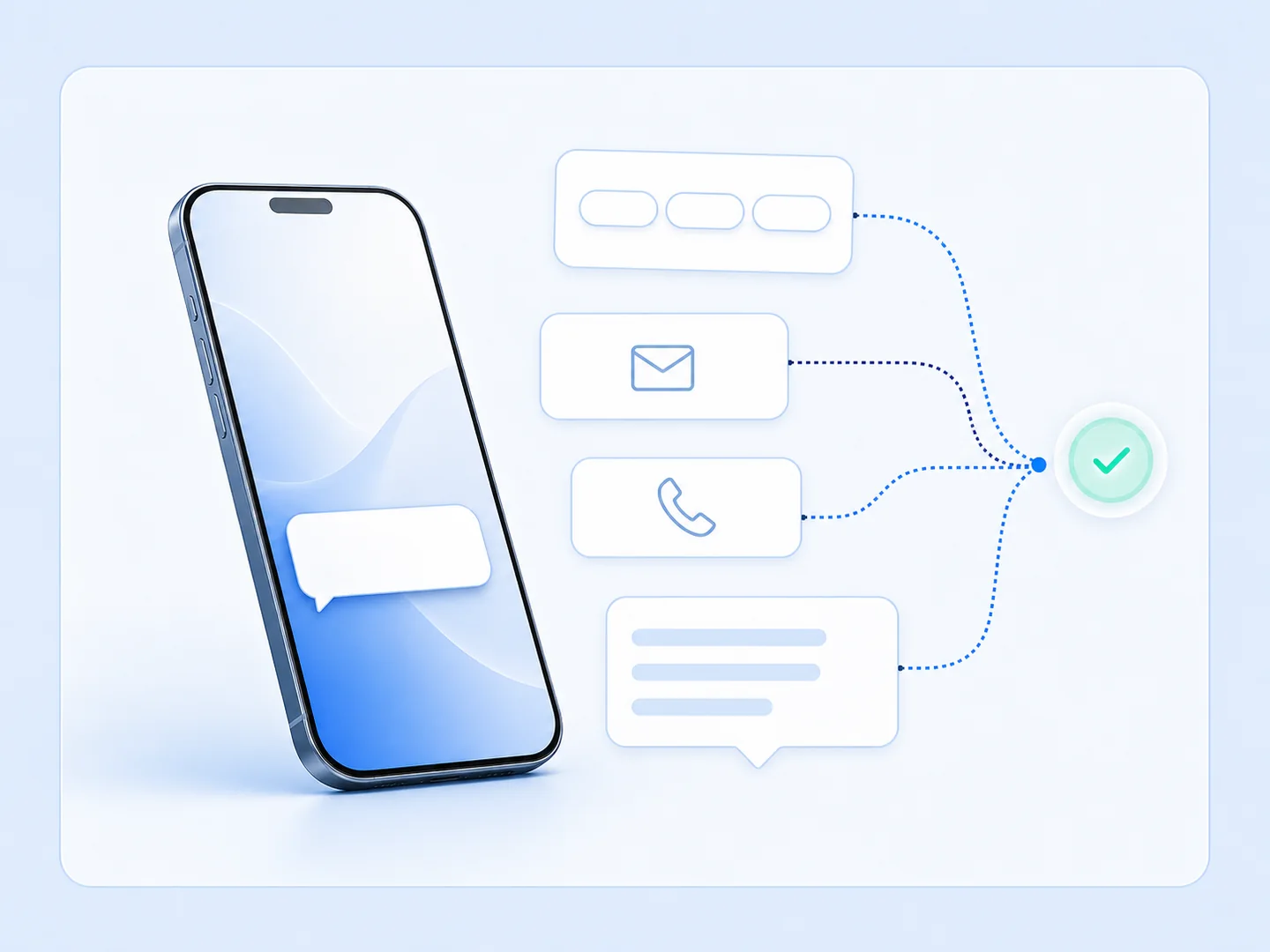
Reduce friction
Let people answer inside the DM they already opened.
Capture cleaner responses
Match the input format to the information you need.
Keep the journey moving
Use each answer to continue with a more relevant next step.
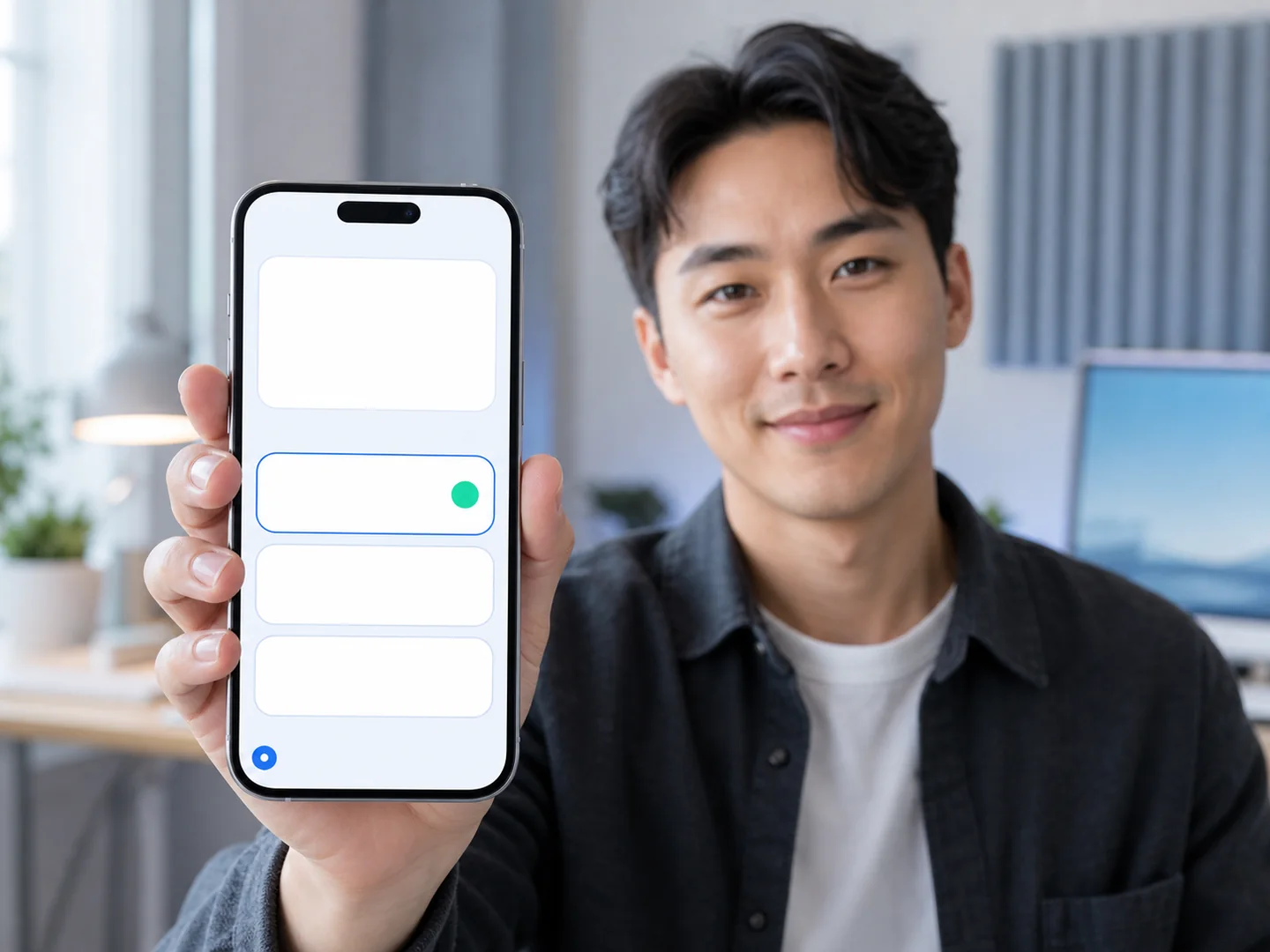
Make the next step easy to choose
Offer a focused set of options people can tap instead of type. Clear choices make questions faster to answer and keep the conversation moving.
Use it for: Qualifying an enquiry, choosing a topic, selecting a goal or finding the right resource.
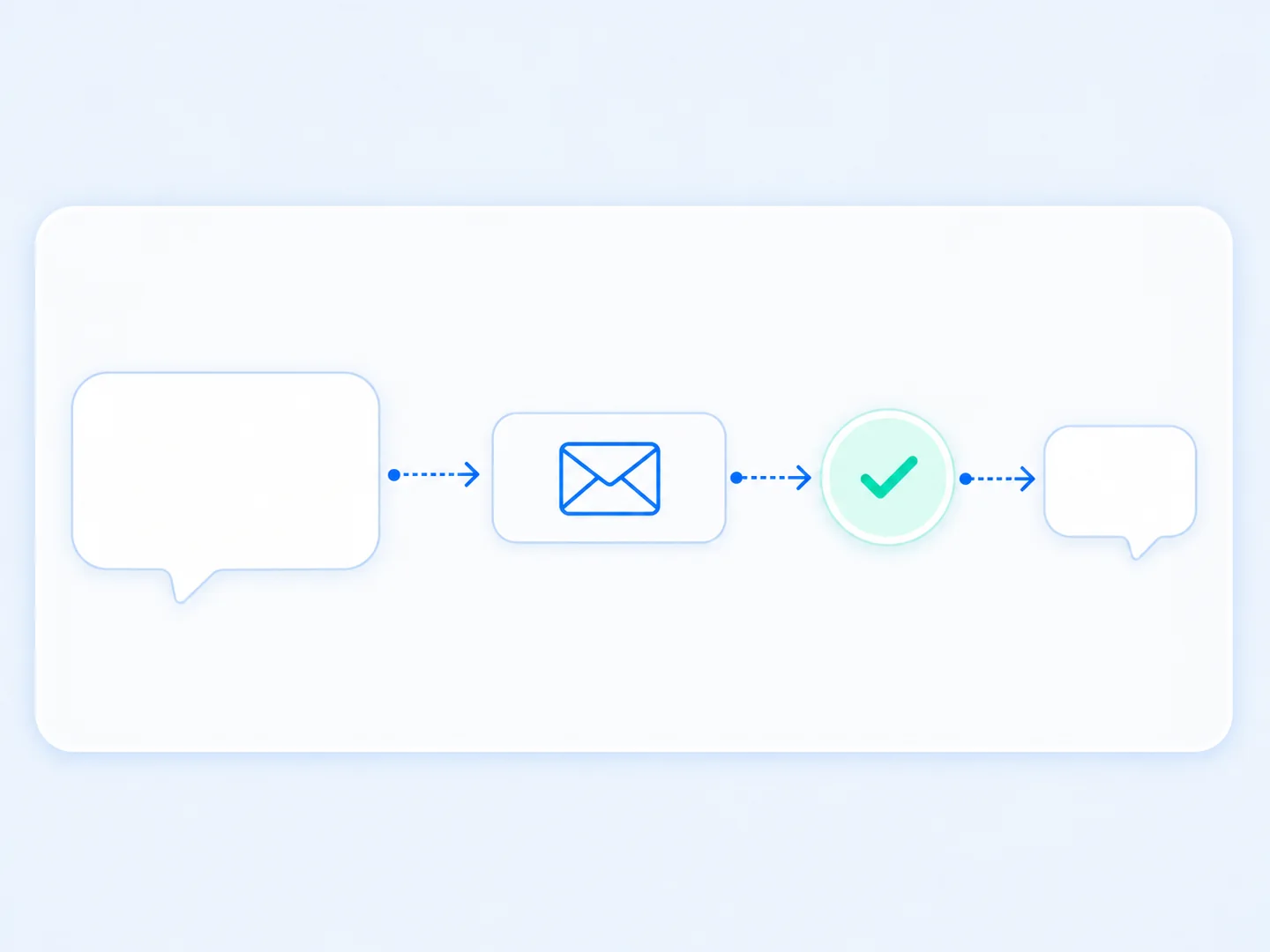
Grow your list from the conversation
Ask for an email address when someone requests a guide, offer or follow-up. The exchange stays conversational while turning social engagement into a lead you can continue to serve.
Use it for: Lead magnets, newsletters, event updates and personalized follow-up.
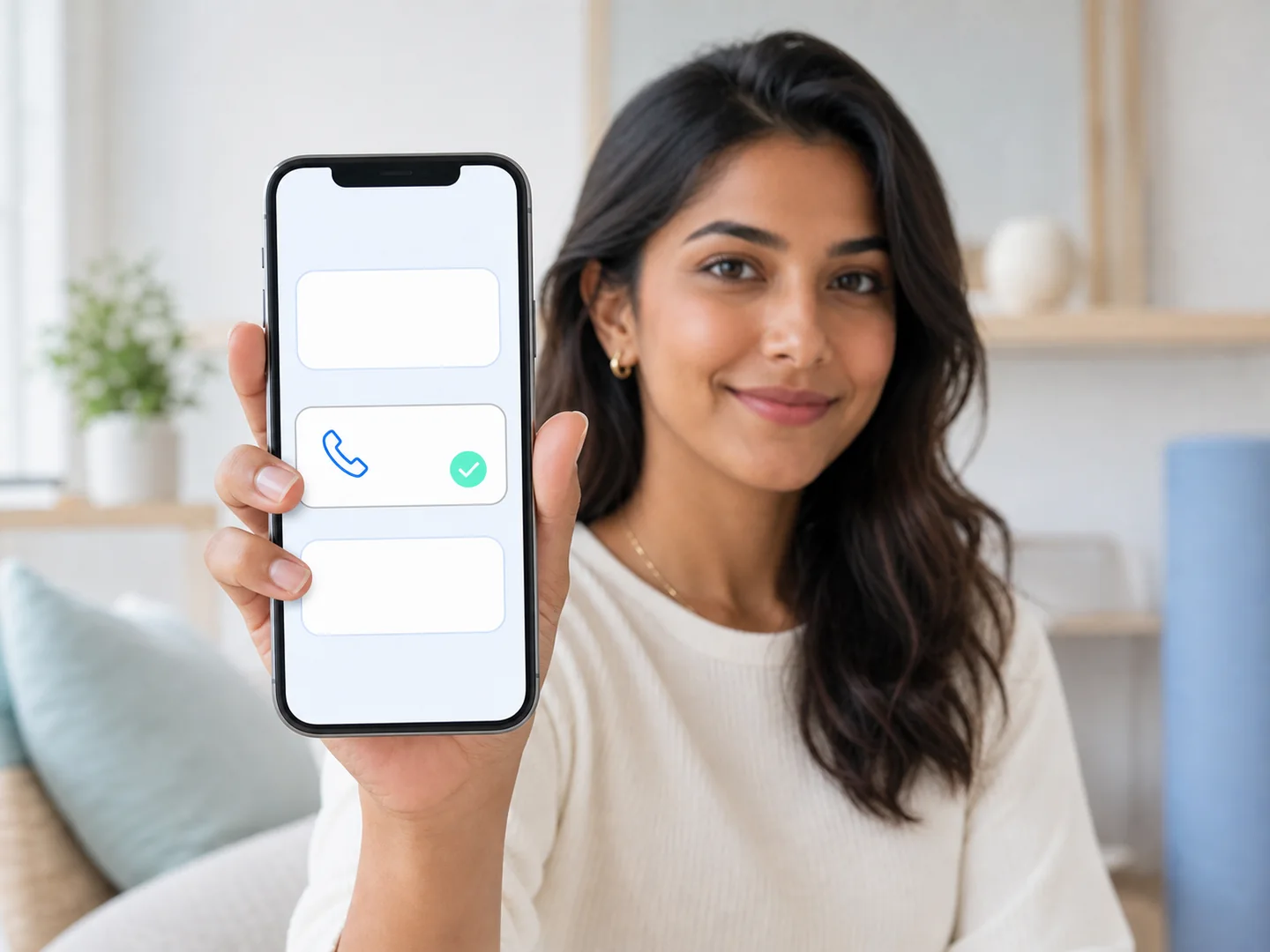
Make high-intent follow-up easier
Collect a phone number when the natural next step is a consultation, booking follow-up or personal response—without sending the person to another form.
Use it for: Bookings, consultations, call-backs and high-intent enquiries.
Collect the number your next step depends on
Keep quantities and numeric details structured. Ask for a guest count, order quantity, team size or another number that helps you respond efficiently.
Use it for: Quantities, team size, guest counts, scores and other numeric answers.
Leave room for the details that matter
Let people describe a goal, ask a question or share context in their own words while staying inside the automated flow.
Use it for: Goals, preferences, questions, feedback and details that do not fit a button.

Capture the right details one step at a time
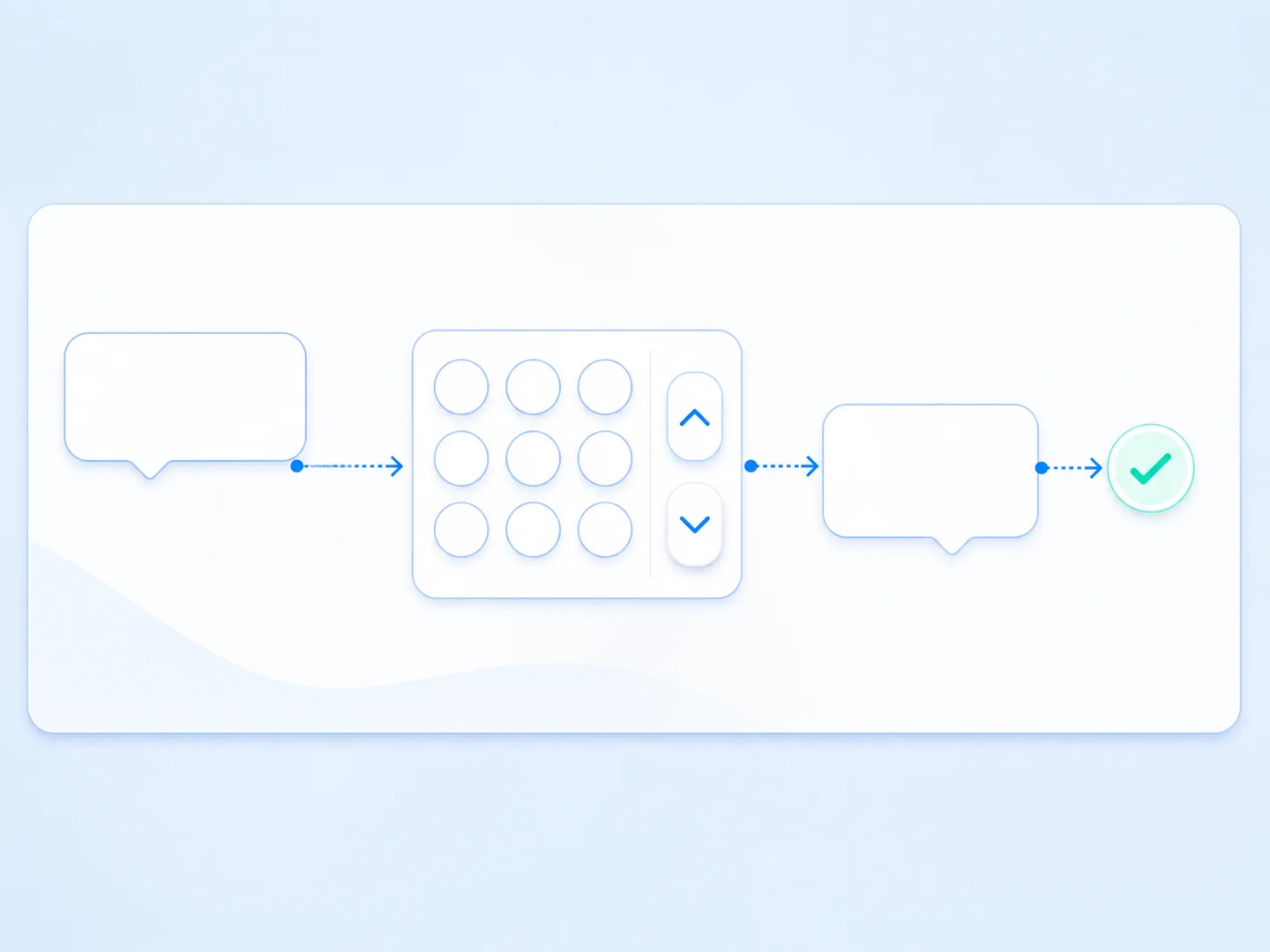
A clear lead-capture flow can identify intent, collect a delivery detail and continue with a useful next step—without a disconnected form.
Choose
A button identifies the topic, goal or resource the person wants.
Share
The right input collects an email, phone number or other detail.
Continue
The response moves the conversation to its most relevant next step.
Frequently asked questions
What response types can I collect?
Use multiple-choice buttons or collect typed email addresses, phone numbers, numbers and open-text responses.
Do people need to open a separate form?
No. They respond inside the DM conversation, helping the interaction stay quick and connected.
Which plans include User Input?
User Input and Lead Capture are included with Creator, Studio and Business.
Can I combine several input types?
Yes. Keep each prompt focused and ask only for information that genuinely supports the next step.
Can responses work with advanced flow logic?
Studio and Business can pair captured responses with advanced logic for more sophisticated routing.
Turn more conversations into useful next steps
Capture the information you need while your audience is already engaged in the DM.