
Make every DM easier to start
Give followers clear, tappable ways to begin a conversation and return to the actions they need—without making them guess what to type.
Included with Creator, Studio & Business plans
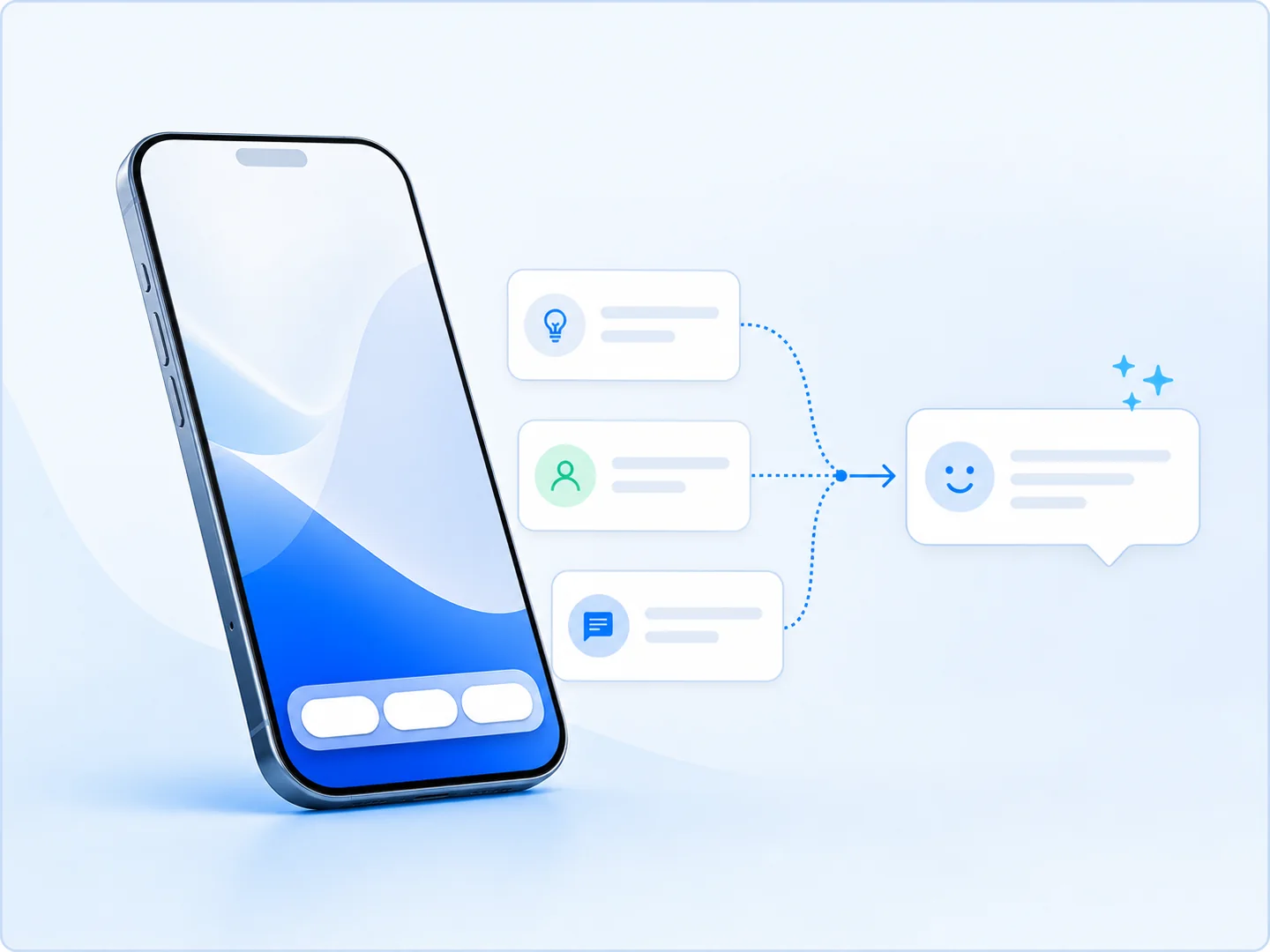
Start faster
Replace the blank message box with useful conversation starters.
Stay easy to navigate
Keep important actions available after the first exchange.
Guide people forward
Connect each tap to the right resource, offer or next step.
Keep useful actions one tap away
Give people a dependable set of actions they can return to throughout the conversation. They can find a resource, explore an offer or get help without scrolling through old messages.
Use it for: Resources, offers, support and frequently requested next steps.
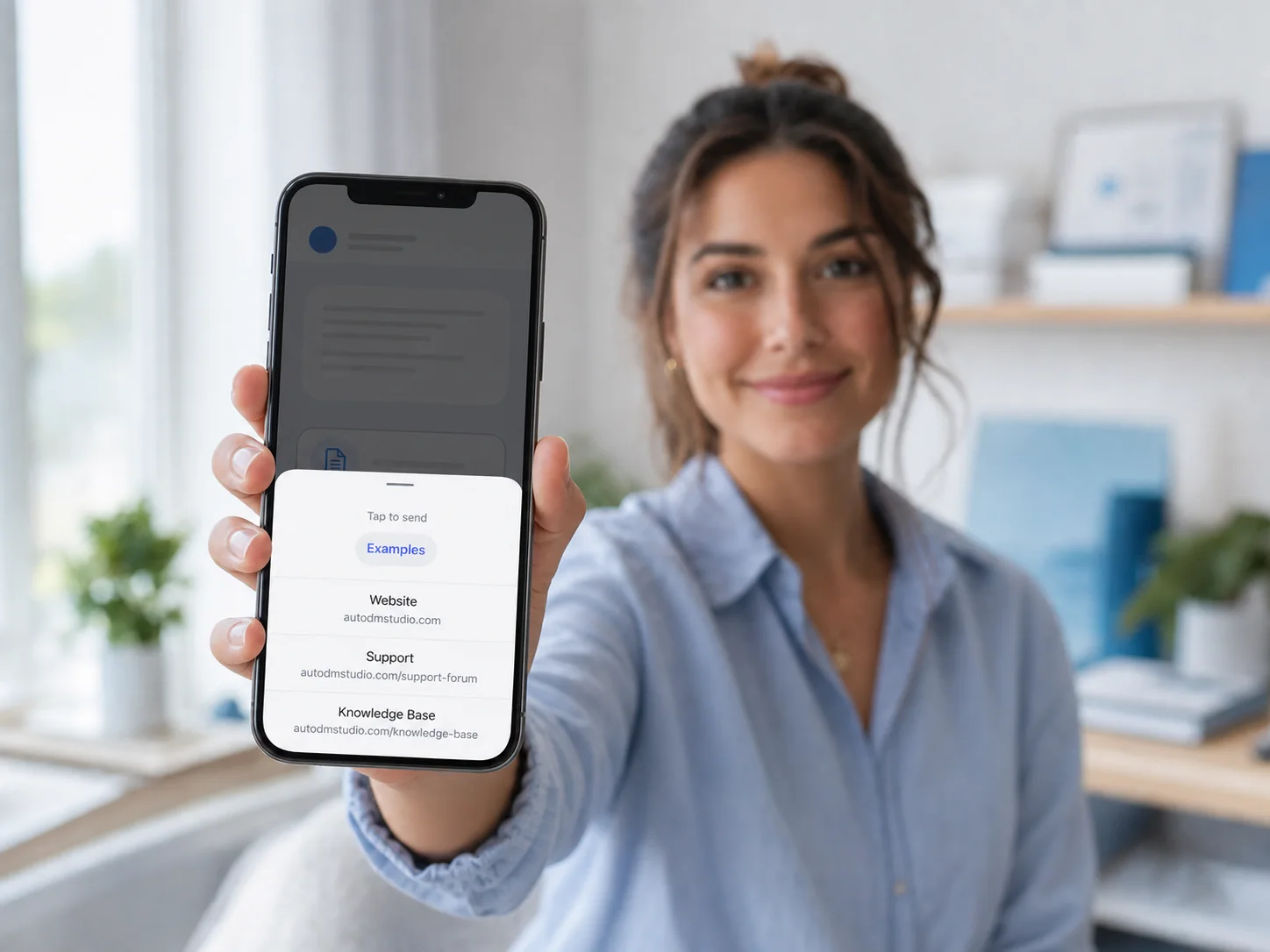
Help people make the first move
Turn an empty inbox into a short list of relevant prompts. One tap can start the right automation, making the first interaction quicker and clearer.
Use it for: Lead magnets, product questions, current offers and common support topics.
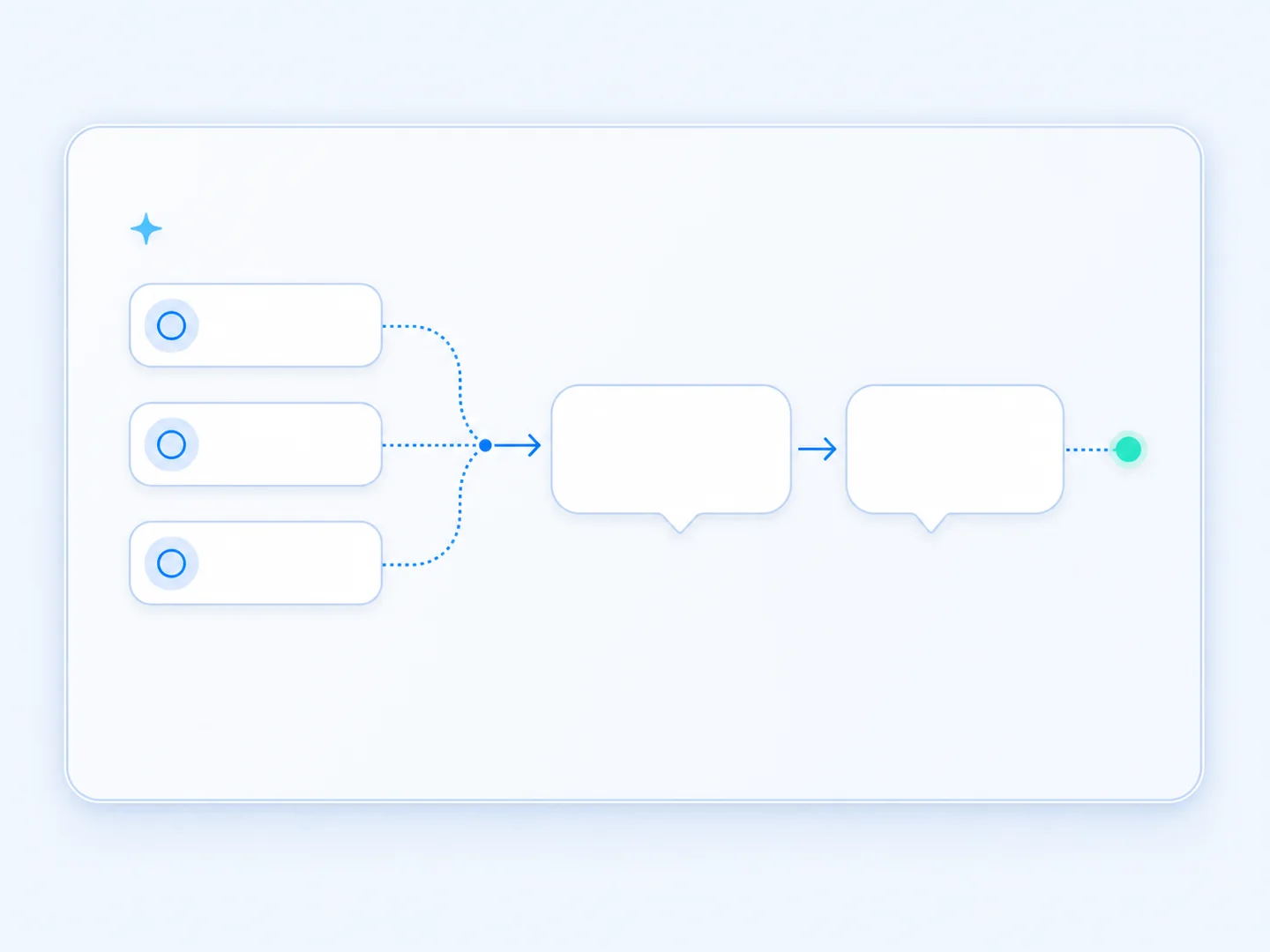
Make it easy to begin—and easy to come back
Ice Breakers and Persistent Menus work together to create a clearer conversation from the first tap to the next visit.
Start
A visitor taps the conversation starter that matches what they want.
Respond
Auto DM Studio opens the right message or automated flow.
Return
The Persistent Menu keeps useful actions ready for later.
Frequently asked questions
What is the difference between an Ice Breaker and a Persistent Menu?
Ice Breakers help someone begin a conversation with a suggested prompt. A Persistent Menu provides actions they can return to after the conversation is underway.
Which plans include these features?
Persistent Menus and Ice Breakers are included with Creator, Studio and Business.
Do these replace keyword triggers?
No. They complement keyword and engagement triggers by giving people visible ways to start or navigate a conversation.
Do they work the same on Instagram and Facebook?
Presentation and support can vary by connected Meta channel and account. Confirm channel-specific availability in the current feature comparison.
Explore related features
User Input & Lead Capture
Collect choices and contact details inside the conversation.
Give every DM a clear place to begin
Create conversation entry points that help more people find the right resource, offer or next step.